2. How we edit bank account
Go to the toolbar located in the bank account details. There is an Edit Account Detail option given.

Click on edit account details
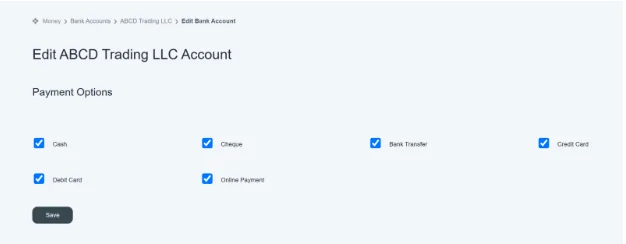
This window will appear in front of you. You can see different payment options available. You can make a payment through the following methods: cash, cheque, bank transfer, credit card, debit card, or online payment.
And if you want to choose specific options for the payment method, you can select them and save them.
Once you save the desired options, it always shows you the same methods for payment.