
4. Add Notes in Bank Account
To add notes is basically you want to add important instruction or include any important term and condition in your banking details; you can add it by clicking on add notes.

- A new window will appear on your screen.
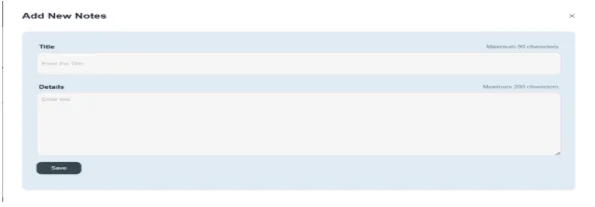
Click on Add Notes
- Click on add notes button
- Add any title of notes e.g. add any new term and condition
- Mention brief points you want to enter in banking details. E.g. the bank charges the interest rate applied on a savings or current account.
- Then click on the save button.
- Through this way you can add notes to your bank account.

