
How to add loan account for Payment schedule
- Click on the navigation bar and go to the money section.
- At the bottom of the Money section, there are two options available i.e. Bank account and Loan.
- To create the loan section, you have to add your loan account first to the “bank account” section.
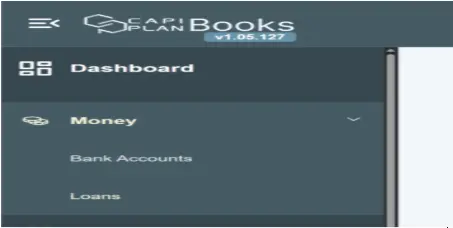
Click on bank account name
- Go to your bank name. e.g., Mashreq bank
- When you click on the bank name, you can see there is a toolbar given on the top right side.
- At the top there are basic details of the bank account mentioned.
- At the bottom, you can see the transaction details.

Tool Bar
The toolbar has the following options:
- Add loan
- Edit account details
- Delete accounts
- Add notes
Explanations are given in their respective sections.
