
5. How to Duplicate the bill
“Duplicate bill” means a copy of an original bill. It’s a copy of the same bill that was already issued.
User, can you use this option if any bill repeats again and again? There is no need to generate a bill again.
For this purpose, users have to open that specific bill; there are action buttons given on the top. Click on the Duplicate button.

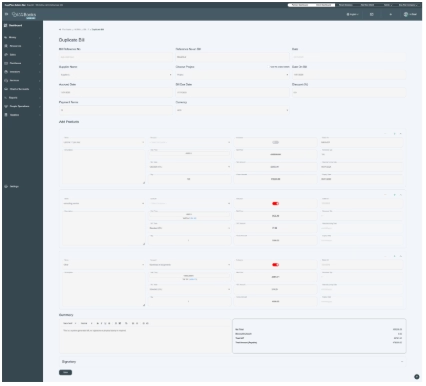
When you click on the duplicate button, it will take you to the same previous screen from where you create a new bill. All the information will already be added.
You have to just enter the reference number to track the bill, and if you want to update any changes, you can make them. Otherwise, you can save with the same information.
Then the new duplicate bill displays with the original bill on the table given on the front window of the bills section as shown in the below picture.

