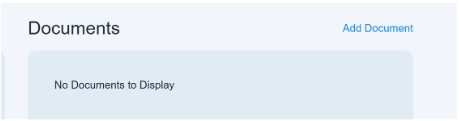
You can also attach a document-related quotation as supporting evidence.
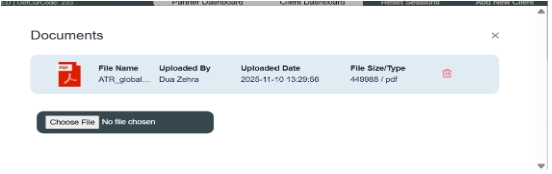
If you want to attach a document, click on the button “Add Document.” A pop-up window will come in front of you; it will allow you to choose the file from your system. Select the file from the system and then upload it.
You can see file details like file name, uploaded by, uploaded date, file size, and a delete option is also given in a red icon.
If you want to recheck the document, you can click on the “view details” option located on the right side of the document block.
To change the document, you can click on the “choose file” option and then select another file as per requirement and then upload it and save it.
It will display on the front screen of the invoice.