
6. How To Create Progressive Invoice Through Quotation
Click on the “create progressive invoice” button.

- In a progressive invoice, the system automatically filled in the relevant details and invoice information in the designated fields. The user is required to review the populated data to ensure accuracy.
- If modifications are needed, the user can edit the necessary fields and then click on the Save button to confirm the changes.
- unpaid Once saved, the system generates the progressive invoice and redirects the user to the invoice detail page, where the newly created invoice along with its dedicated icon
 will be displayed with an unpaid status until payments are recorded against it.
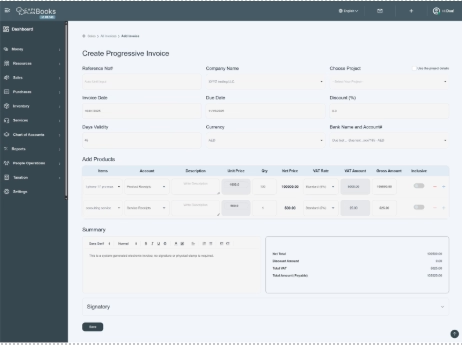
- In this way, users can create progressive invoices through quotations. For further payment procedures for progressive invoices, go to the section How to Add Progressive Invoice and follow the instructions.
