
7. How To Convert Quotation into Invoice

Click on the “Create invoice” button.
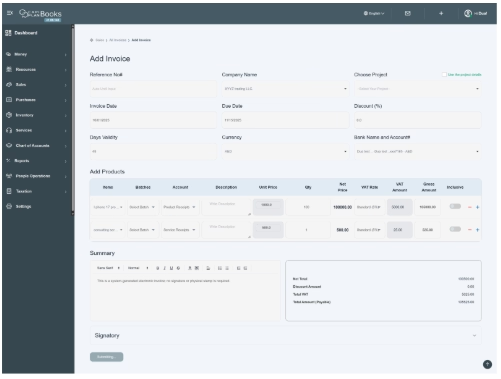
- All the required information is automatically populated in the respective fields. You only need to review and verify the details for accuracy.
- If any changes are required, make the necessary edits and then click the Save button.
- After clicking Save, the system will redirect you to the invoice page, where the newly created invoice will appear with an Unpaid status.

- In this way, users can create invoices through quotations. For further explanation and payment methods for the invoice, go to section Invoice Analysis and follow the instructions.
